

Modern students learn in a fast-paced digital environment filled with PDF textbooks, lecture slides, online articles, research papers, videos, and notes from multiple sources. With so many materials scattered across devices, it’s no surprise that learners often feel overwhelmed, unfocused, and mentally fatigued.
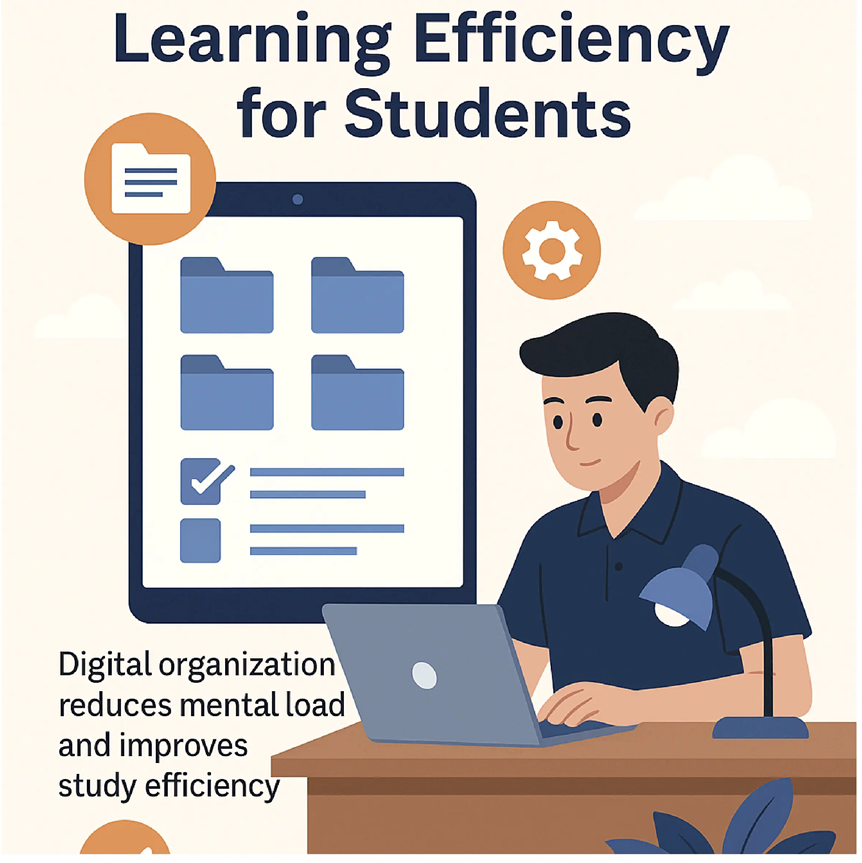
Research in cognitive science shows that digital organization plays a critical role in improving learning efficiency. Students who keep their documents ordered and easy to navigate experience higher comprehension, better memory retention, and lower cognitive load.
1. Why Digital Disorganization Hurts Learning
When students must search through cluttered folders, scattered PDFs, or messy notes, the brain wastes mental energy. This wasted effort increases extraneous cognitive load, which makes studying harder than it needs to be.
Common problems students face include:
- Too many separate PDF files
- Lecture notes saved in different locations
- No unified study structure
- Tabs and documents scattered across apps
- Difficulty finding important information
These issues drain attention and motivation before studying even begins.
2. How Digital Organization Supports the Brain
Neuroscientists emphasize that the brain performs best when information is structured and predictable. Organizing files helps students:
- Reduce mental clutter
- Locate information faster
- Build clearer mental models of topics
- Increase focus during reading
- Save time switching between documents
Organized digital learning environments improve long-term retention by allowing the brain to concentrate on the content, not the chaos surrounding it.
3. Using PDFs to Create a Study System
PDF files remain the standard format for academic learning because they preserve layout, support annotations, and are easy to store and share. The most effective digital learners build a clear structure, such as:
- A single PDF for each chapter or lecture
- A combined document with all related materials
- Organized notes stored beside reference readings
- Weekly or monthly review packs
To achieve this, students often use tools like PDFmigo.com to combine scattered files into one clean, organized study document. Features such as Merge PDF allow learners to consolidate textbooks, notes, and slides into a single streamlined file.
4. Benefits of Merging PDFs for Study Efficiency
When students combine their materials into one file, several benefits occur instantly:
- Faster access — no more switching between dozens of files
- Better comprehension — materials appear in one logical flow
- Improved focus — fewer digital distractions
- Built-in review system — summaries and notes stay in one place
- Easier studying on mobile — scrolling one PDF is simpler than opening many files
Cognitive psychologists agree that simplified study environments significantly improve learning outcomes.
5. How to Organize Digital Study Materials
Step 1 — Collect Your Files
Gather all PDFs, screenshots, slides, and notes related to the topic you are studying.
Step 2 — Combine Related Materials
Use a tool like Merge PDF to unify your documents. This prevents the need to constantly jump between files.
Step 3 — Add Bookmarks or a Table of Contents
This creates instant navigation for large PDFs.
Step 4 — Annotate and Highlight
Add notes and highlights directly into the organized PDF so everything stays in one place.
Step 5 — Review Using Active Recall
Once your materials are organized, study efficiency increases dramatically. Students can read deeply, recall information, and build stronger memory connections.
Conclusion
Digital organization is one of the most overlooked aspects of effective studying. When students reduce digital clutter, merge their materials, and create a structured learning environment, they unlock higher focus, stronger comprehension, and better academic performance.
Tools like PDFmigo.com and features such as Merge PDF make it easy for learners to consolidate their resources and build an efficient digital study system.
